
My tools
Update Feb-2025: This is really old, I changed much of this tools for others. I’ll update it when I have a sec!
I have many tools which easy my work (almost) everyday, here are a few of them. I’ll promise I’ll update if a new toy comes to the playground!
My IDE
- 🧰 My IDE: VS Code
📓 and its Extensions
-
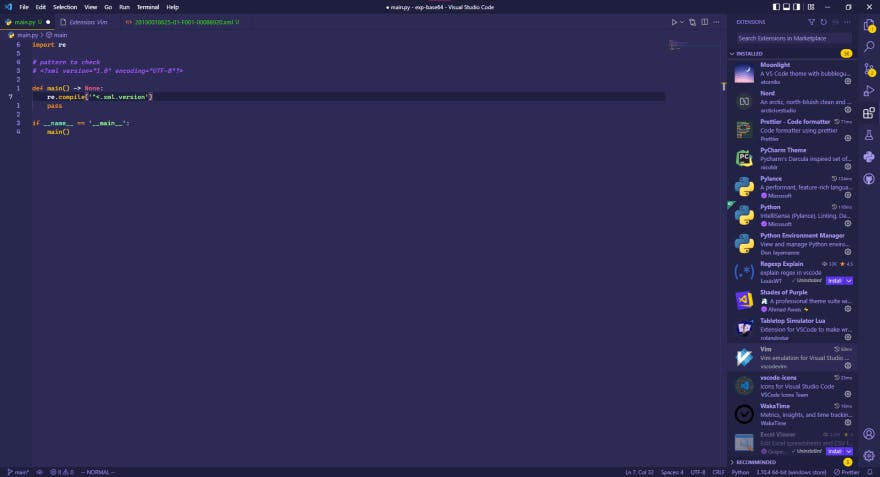
🖌️ Theme: Shades of Purple
-
▶️ Vim shortcuts (a MUST have!) : Vim
-
⏲️ Track your time while you develop: WakaTime
-
🔍 Better highlight the errors and warnings Error Lens
-
My Shell config is always up to date in in my dotfiles repo, but here is a quick rundown:
- On Windows I use nushell in Windows Terminal, with a customized theme
- On Ubuntu I use Fish shell, also with some touched settings
Terminal Apps
As for the CLI tools, if available, I prefer tools developed in Rust, because usually runs in every OS flawlessly, nonetheless I also have many others:
-
pipxfor the global tools in python (black,flake8,pipenv,mypy,pre-commit,all-repos, etc). -
Github CLI is amazing.
-
I use
scooppackage manager a lot. -
ripgrepis your faster, better, stronger grep (and runs in Windows!) -
exaa modern replacement forls. (Works on linux tho). (Works only on linux tho) -
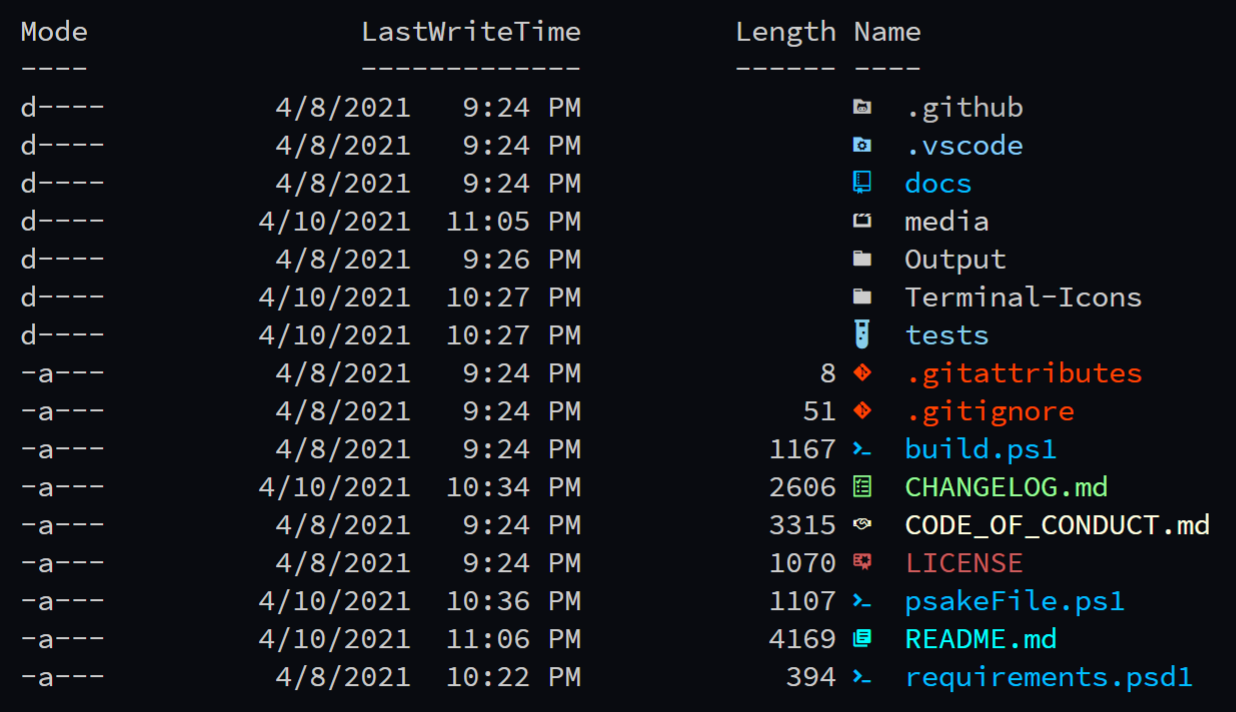
For Windows PowerShell I use Terminal-Icons
-
bata cat clone, but better. -
I also use a series of apps to manage versions of common tools, like:
pyenv-winto manage python versions (so you can select which version python and manage installations).fnm(fast NodeJS Manager) is a NodeJS version manager written in Rust. Yes, you need that.- You want something to watch your files for changes and excecute a command when detect a difference? [
watchfiles] got you covered